AI Prompt Templates for Video
& Image Generation (2026)
Stop staring at a blank prompt box. Our curated collection of AI prompt templates helps you create stunning videos and images in seconds. From cinematic scenes to product ads, find the perfect starting point for your creative vision.
Explore AI Prompt Templates
Click any template to start creating. Our AI prompt templates are organized by category for easy browsing.
Element Addition
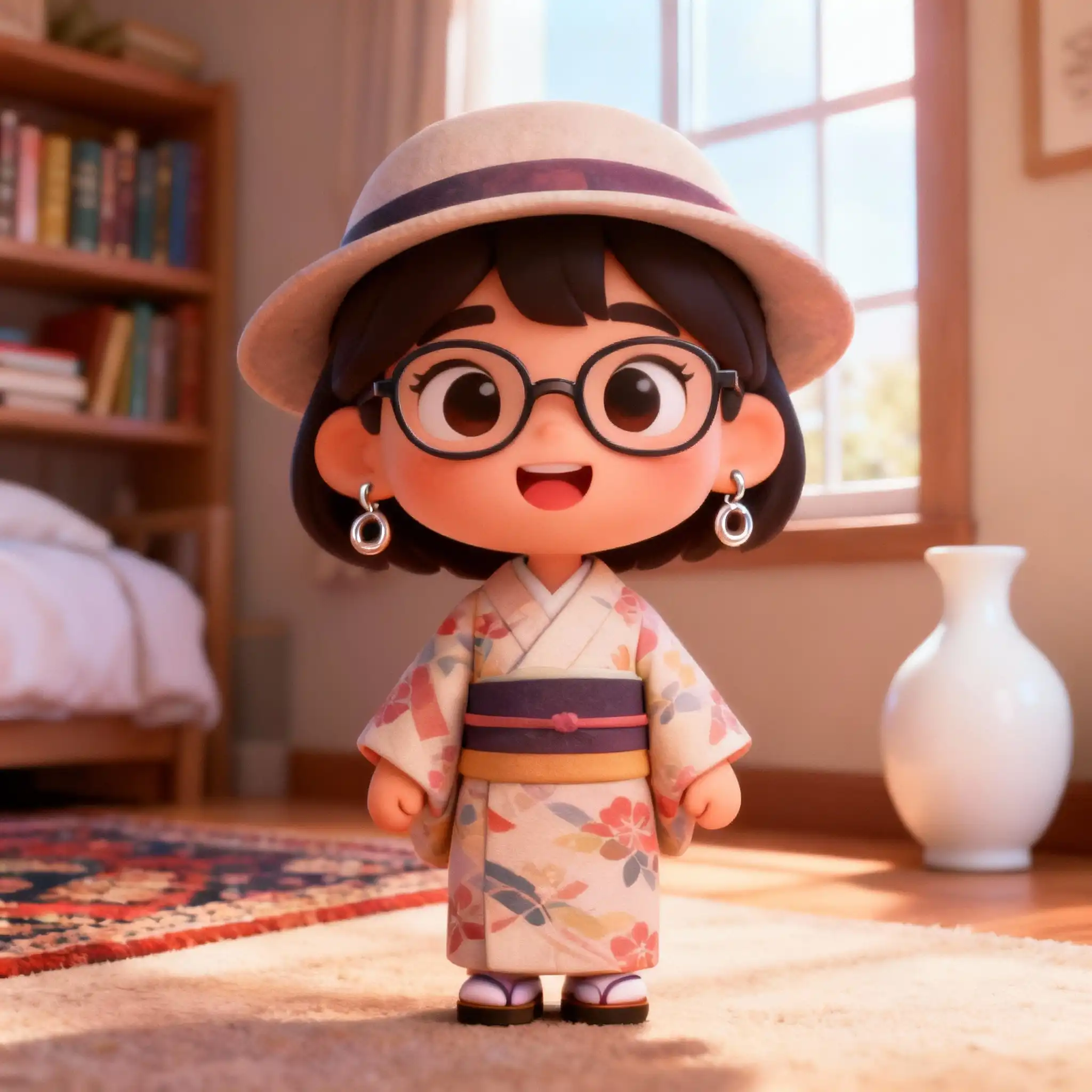
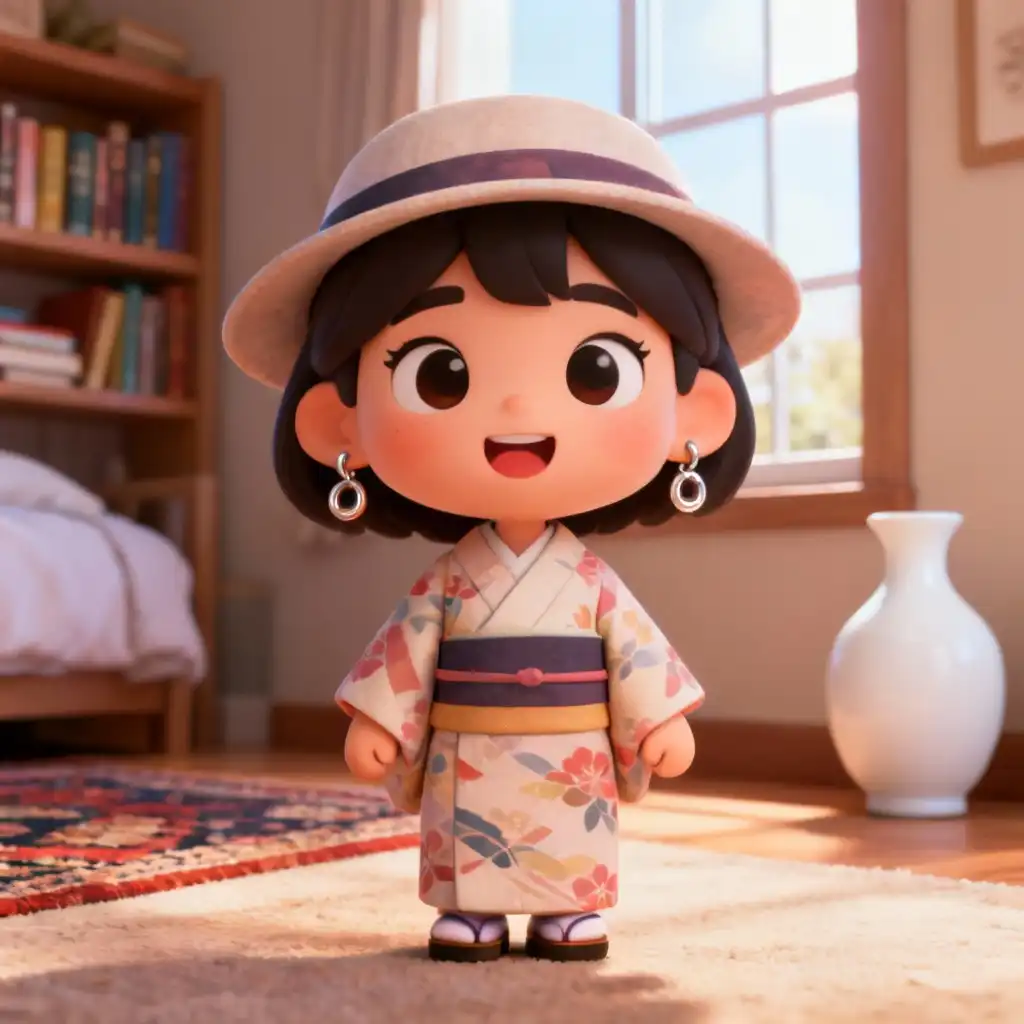
Add glasses to the girl
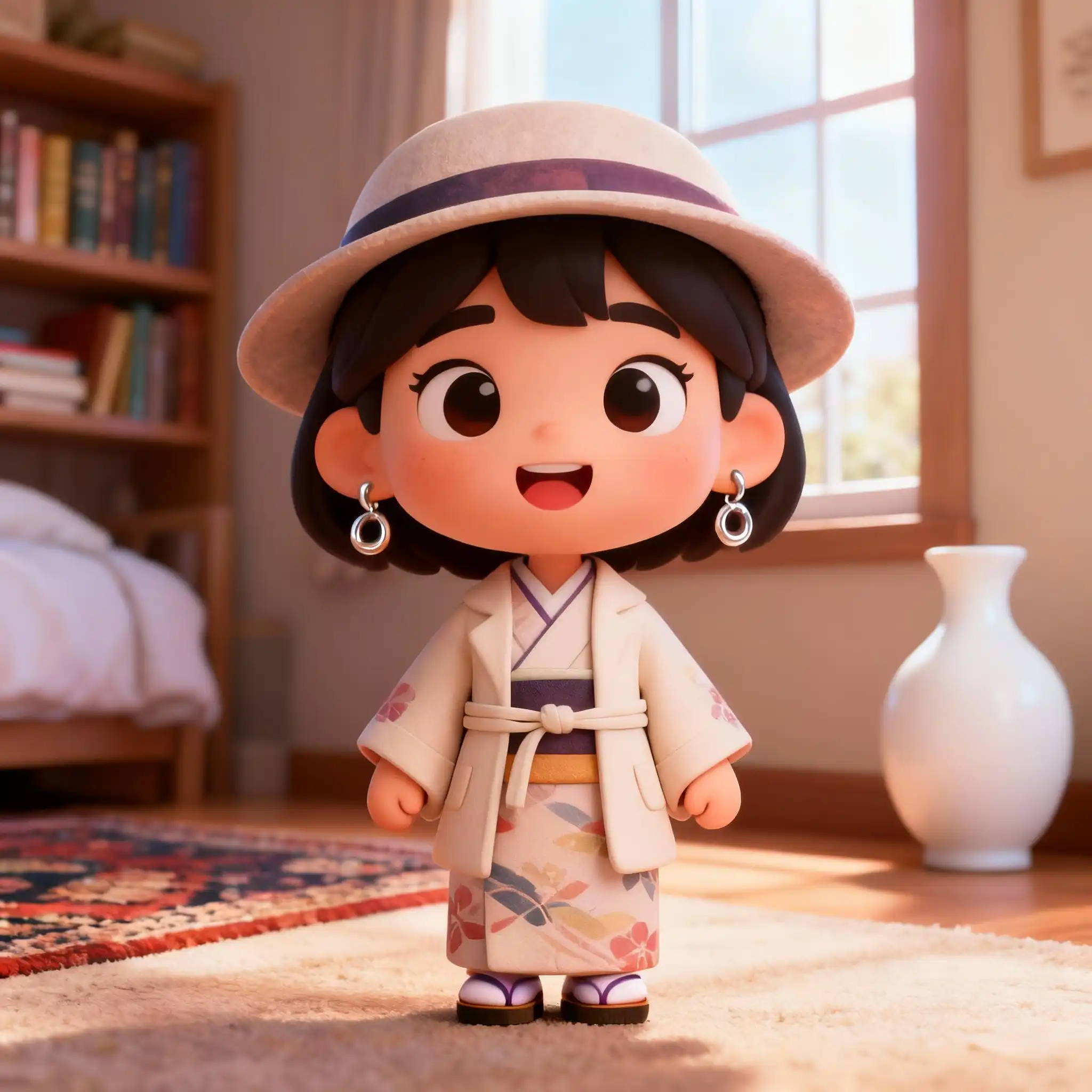
Add coat to the girl
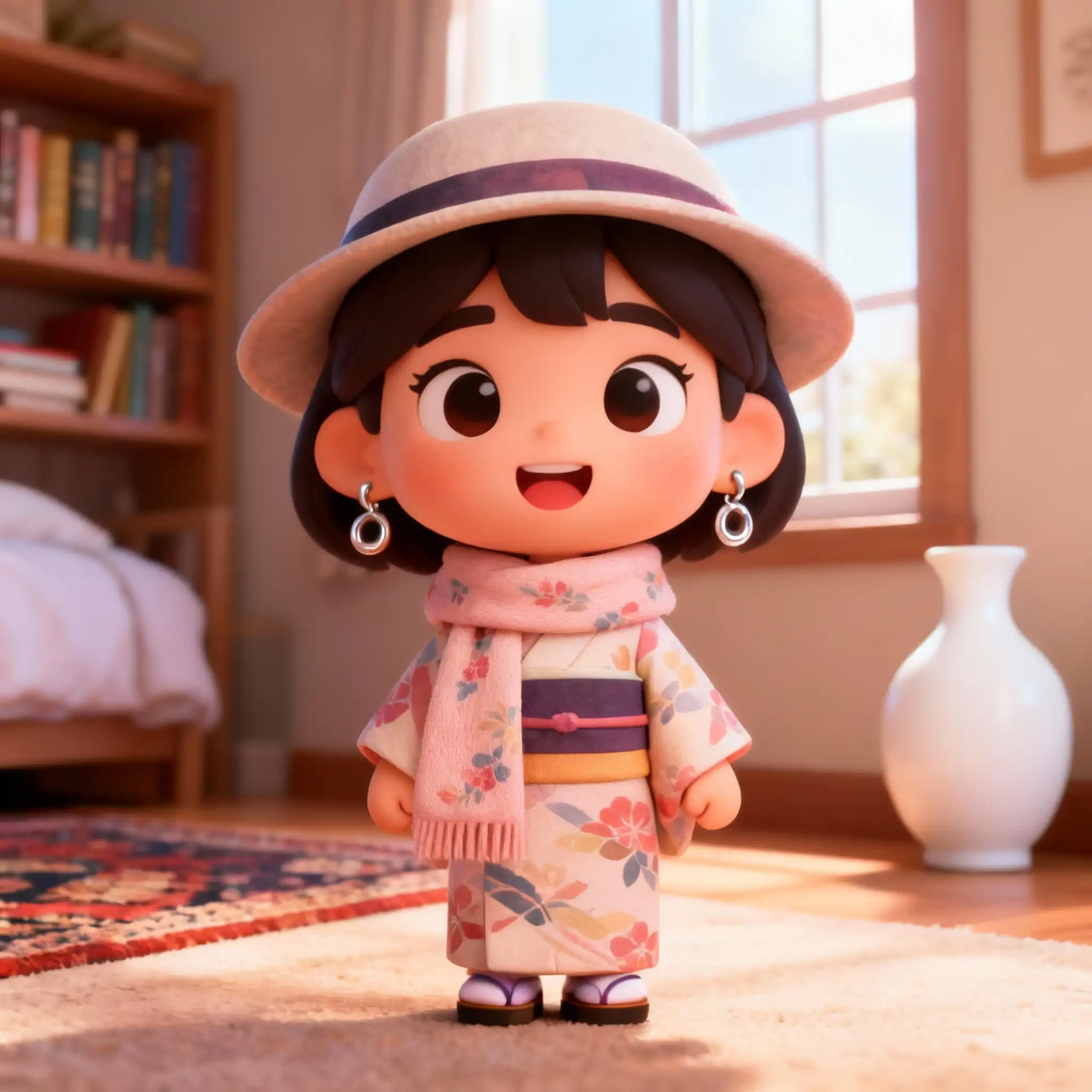
Add scarf to the girl
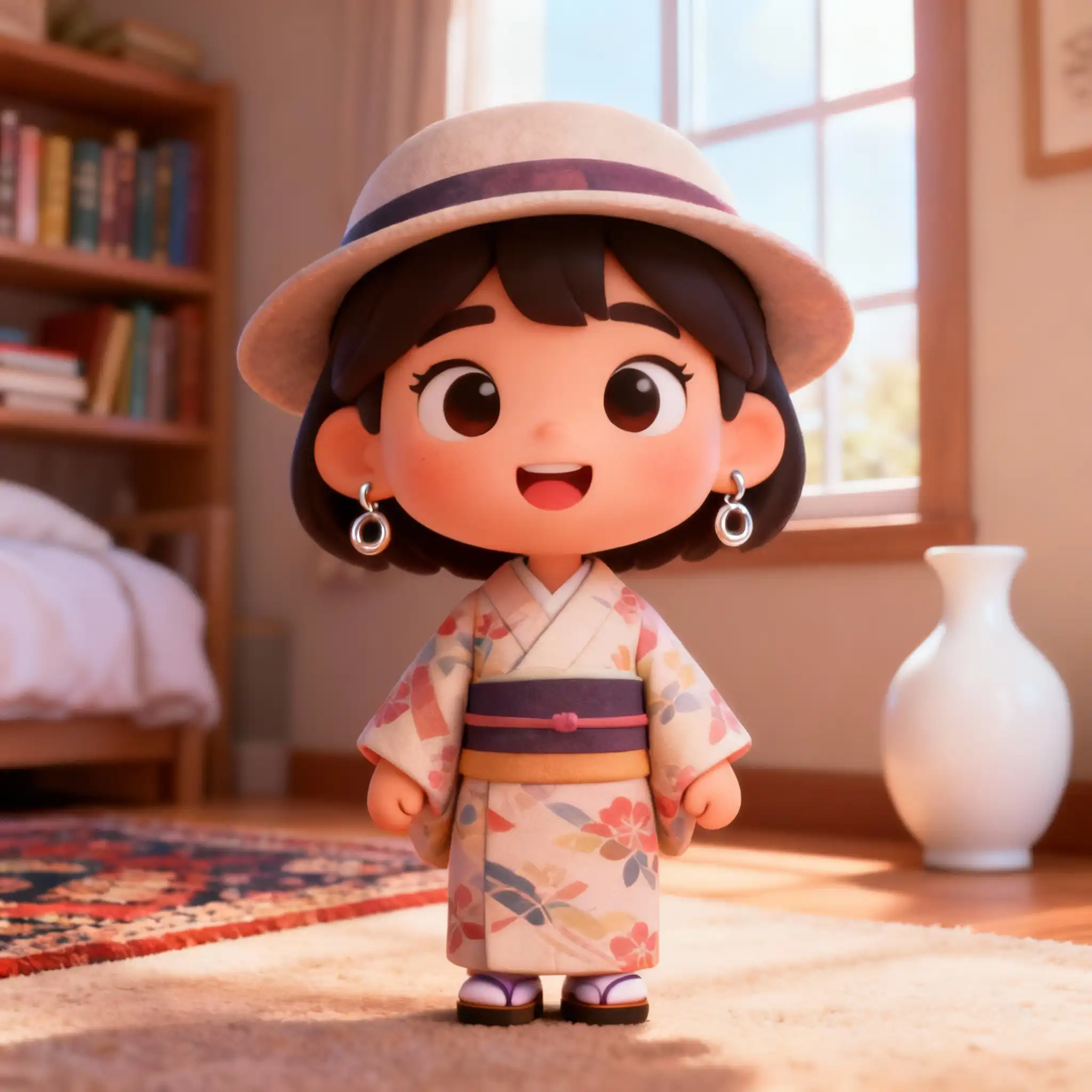
Add kitten to the girl
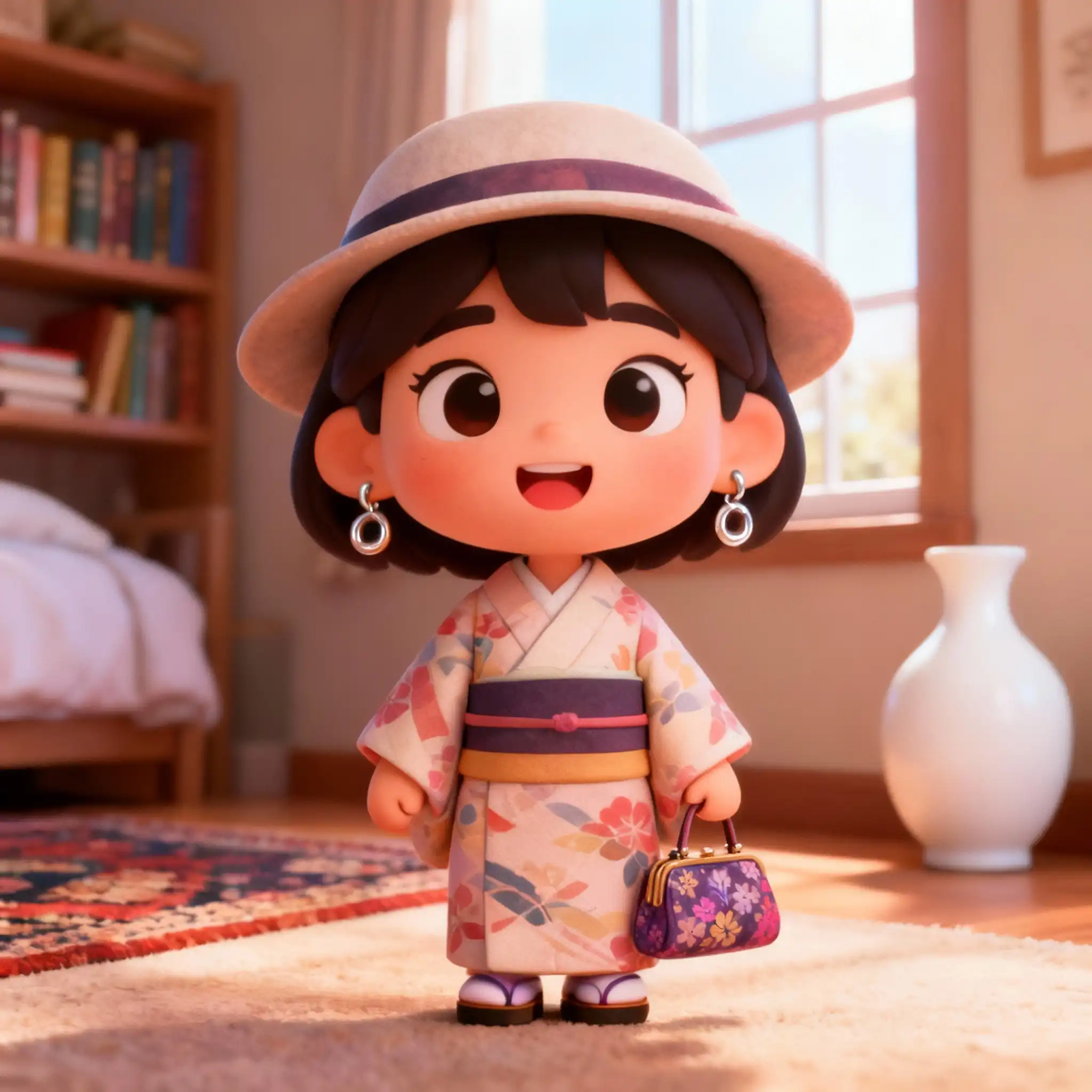
Add handbag to the girl
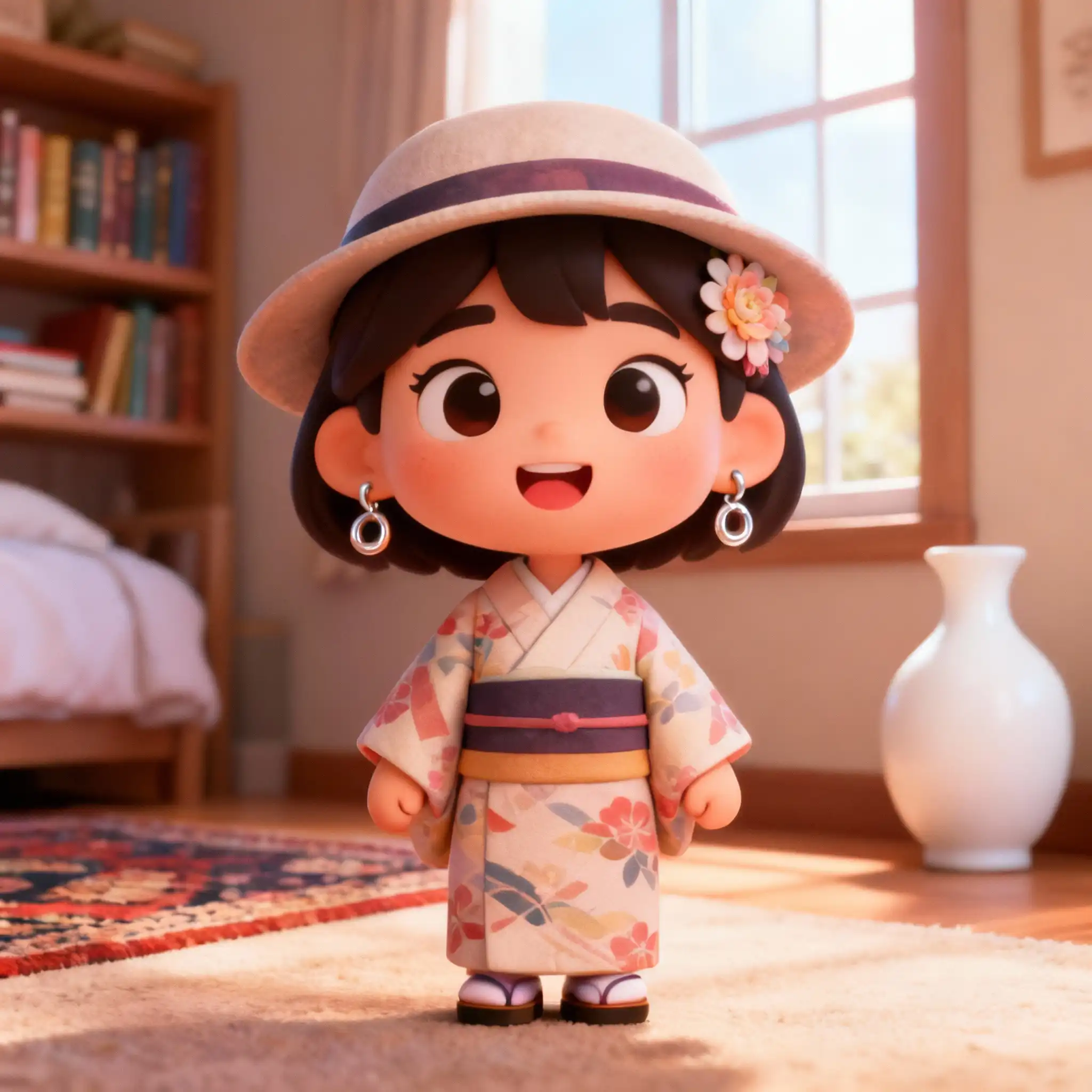
Add hair clip to the girl
Element Deletion
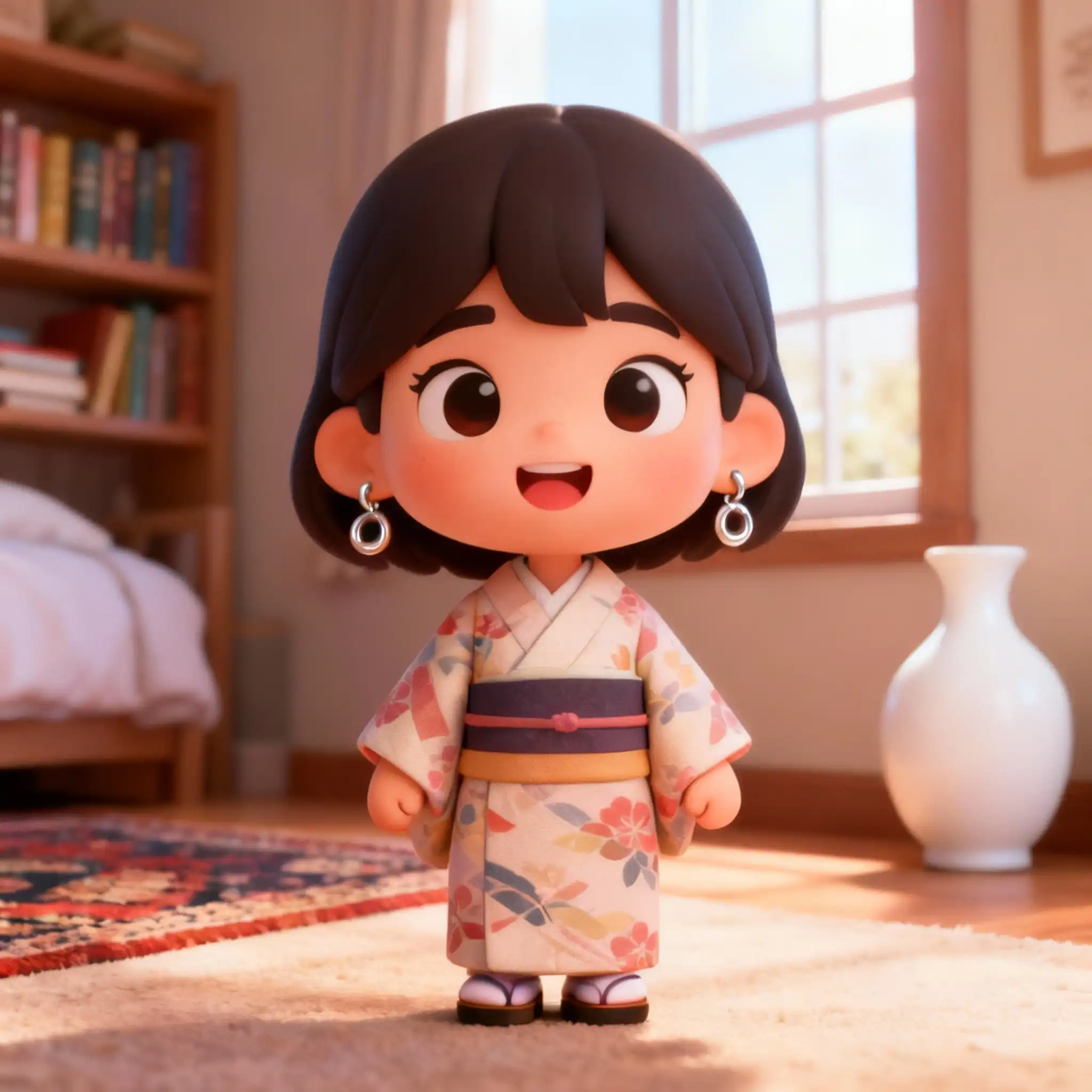
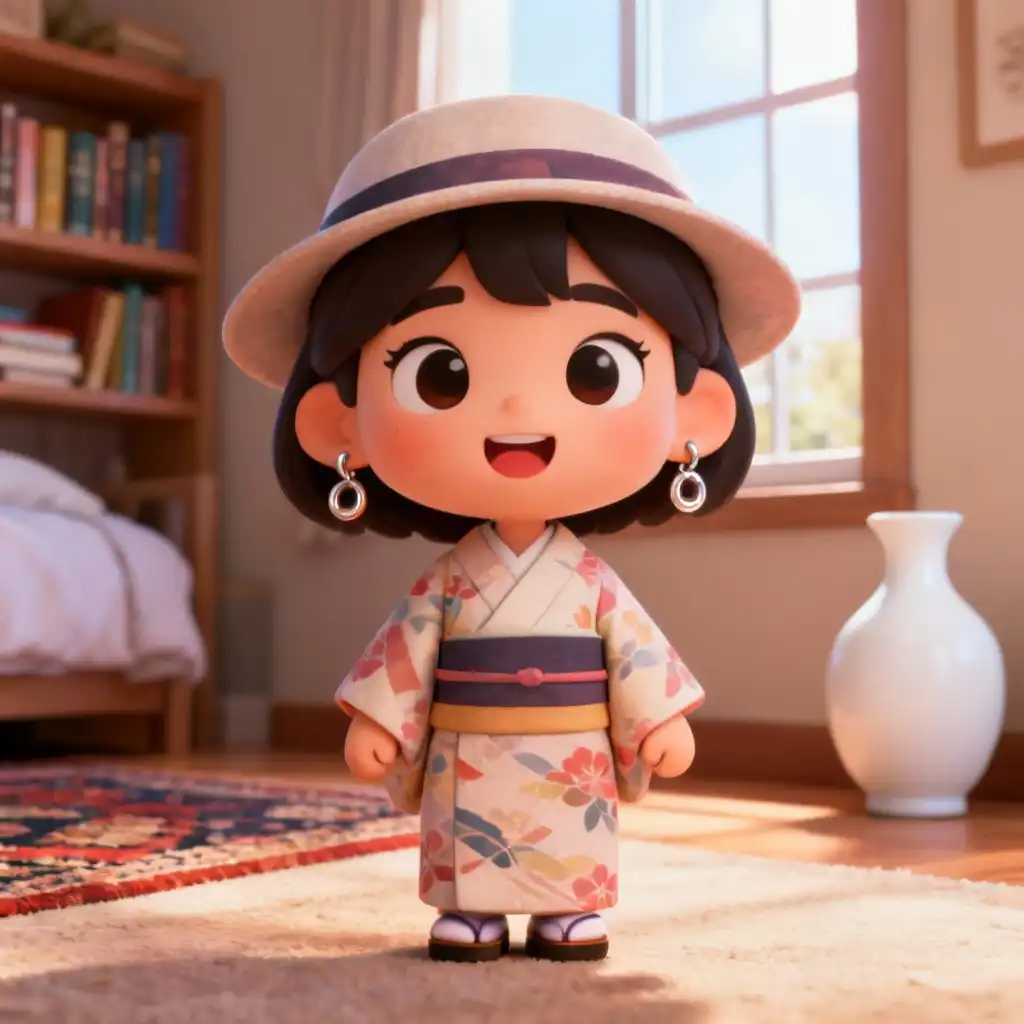
Remove hat
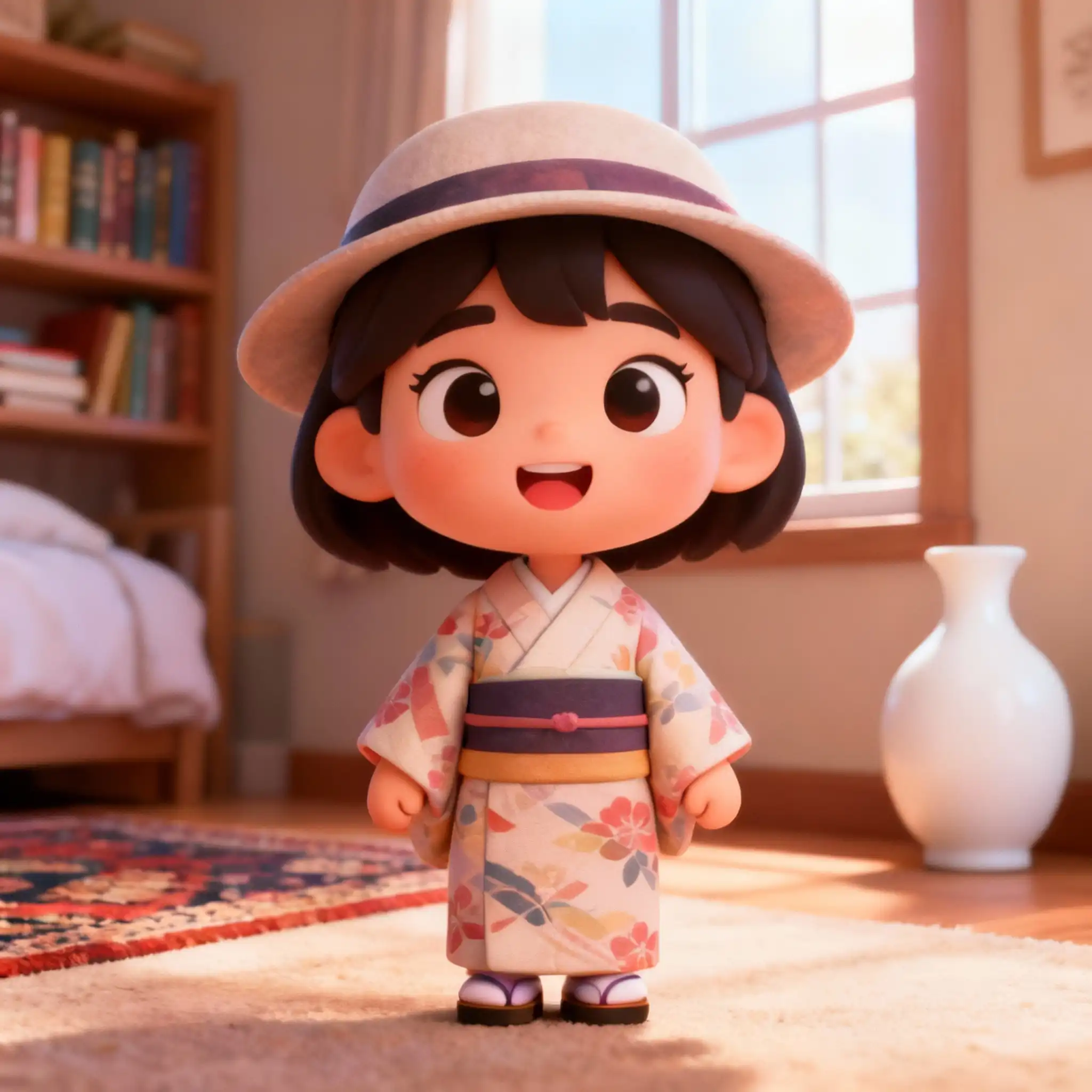
Remove earrings
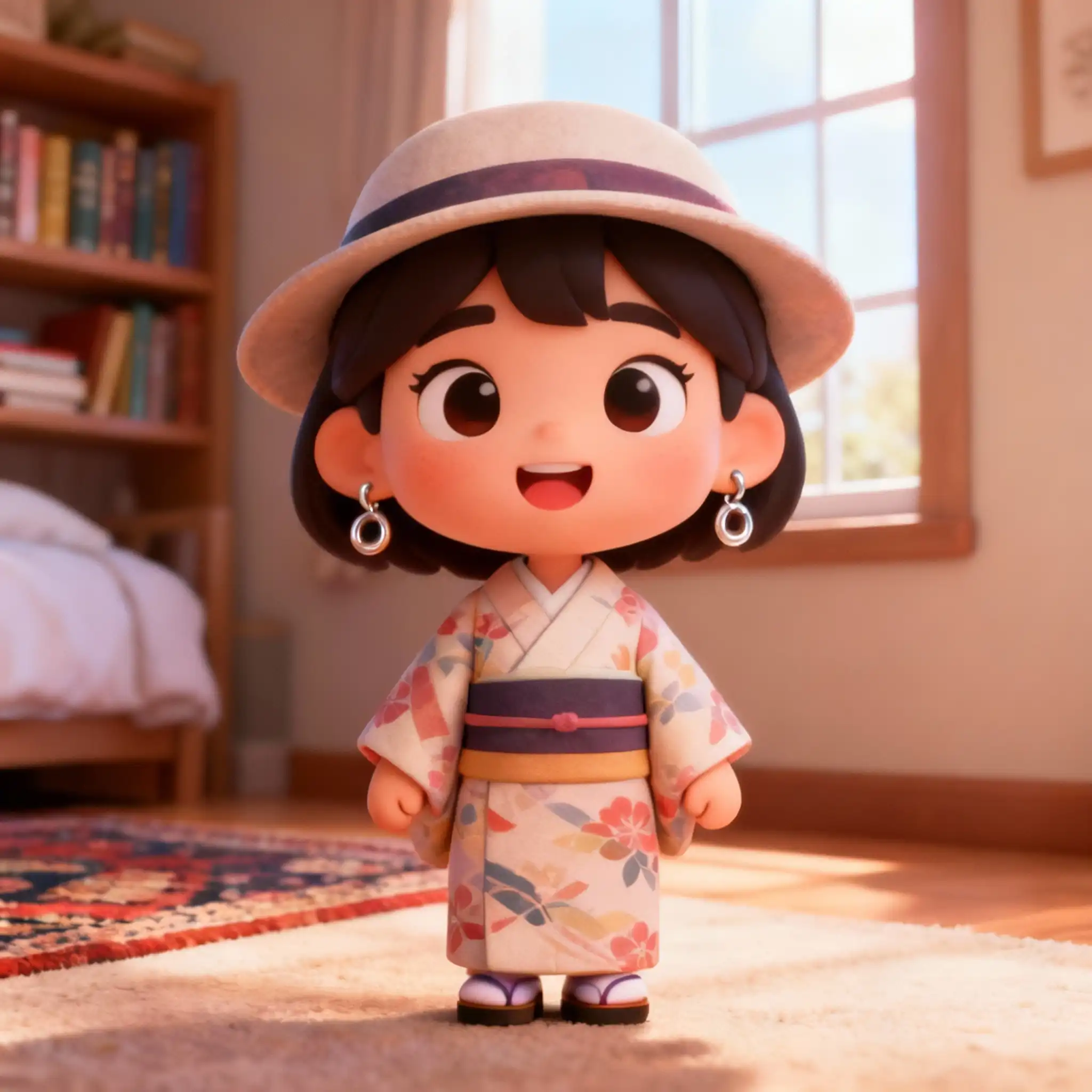
Remove white vase
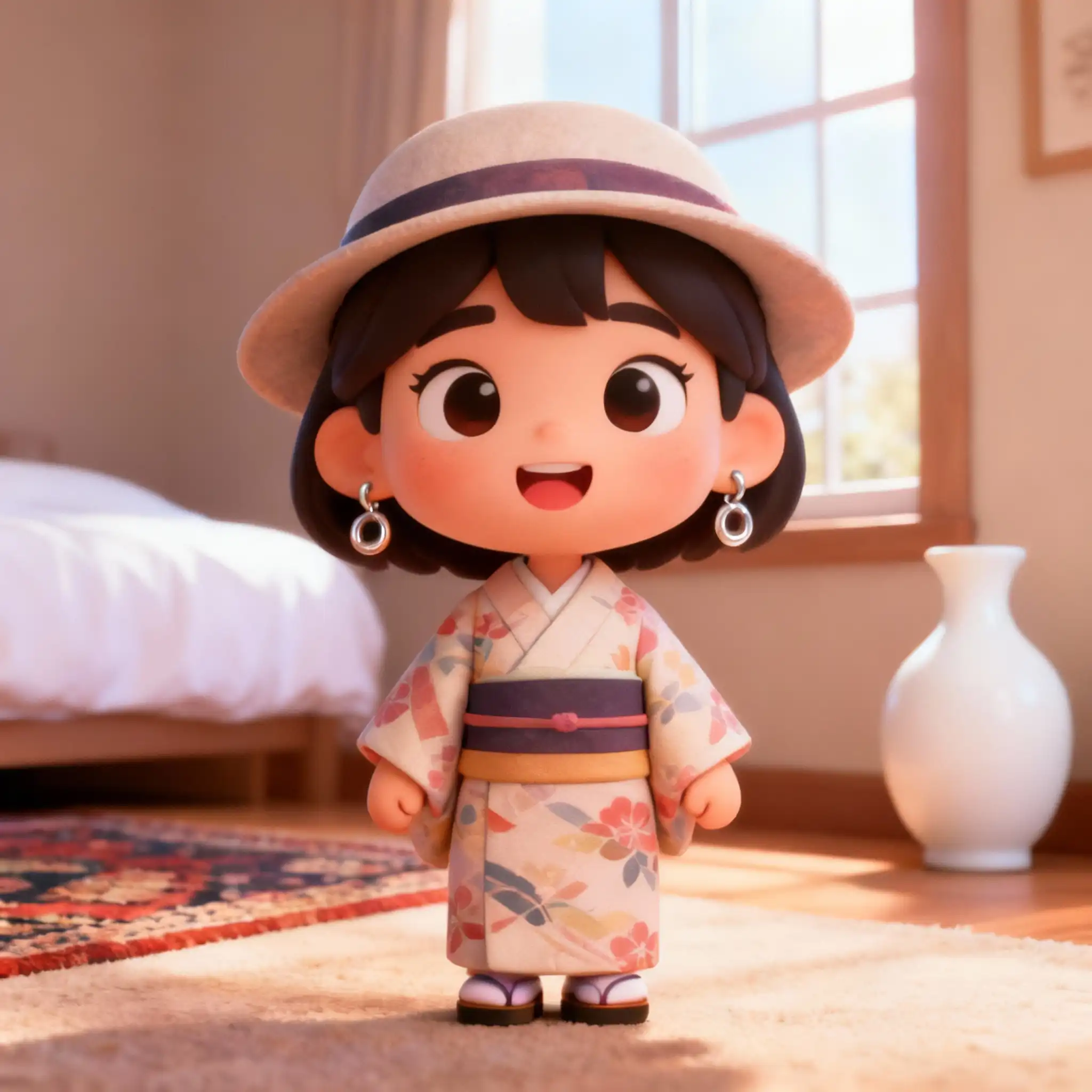
Remove bookshelf
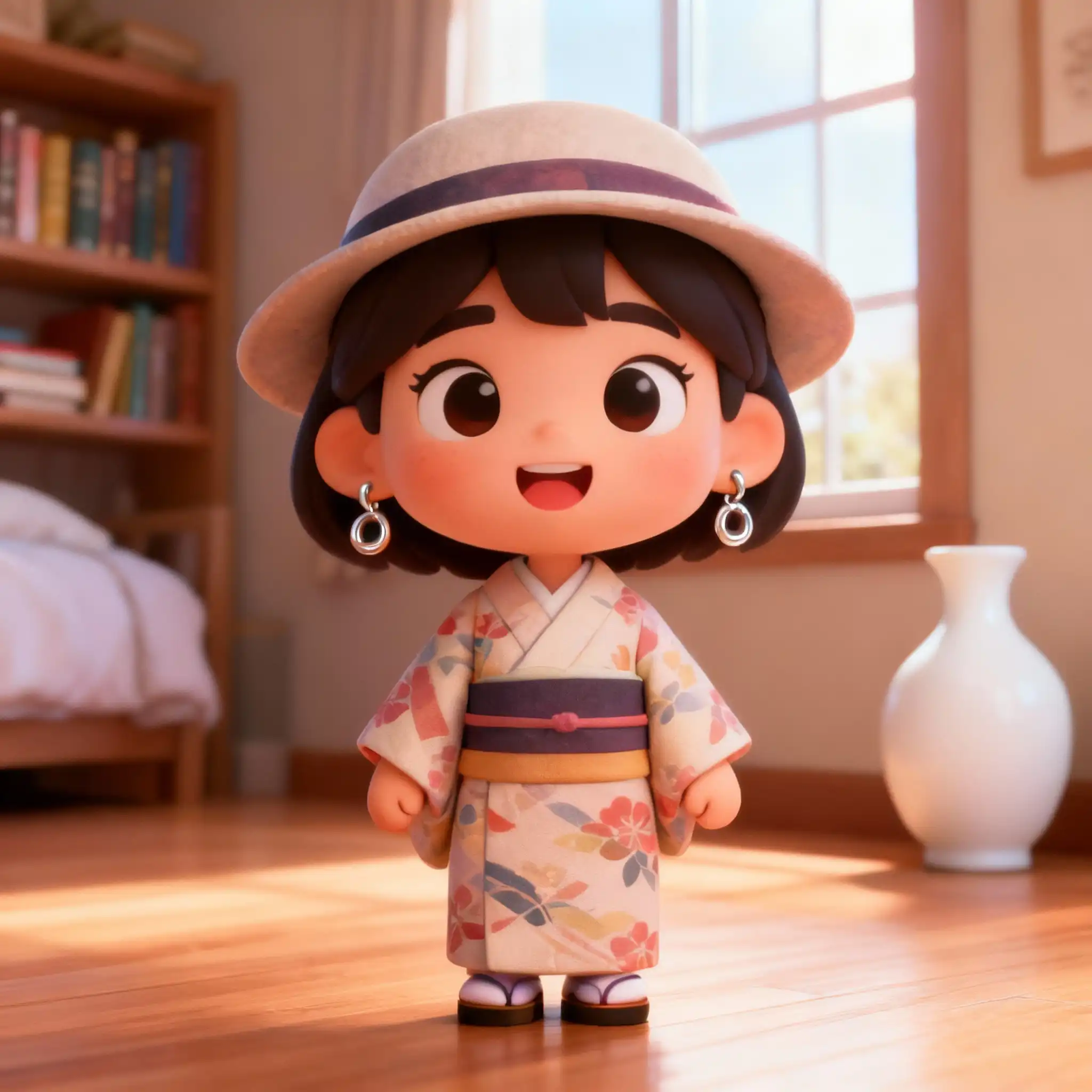
Remove carpet
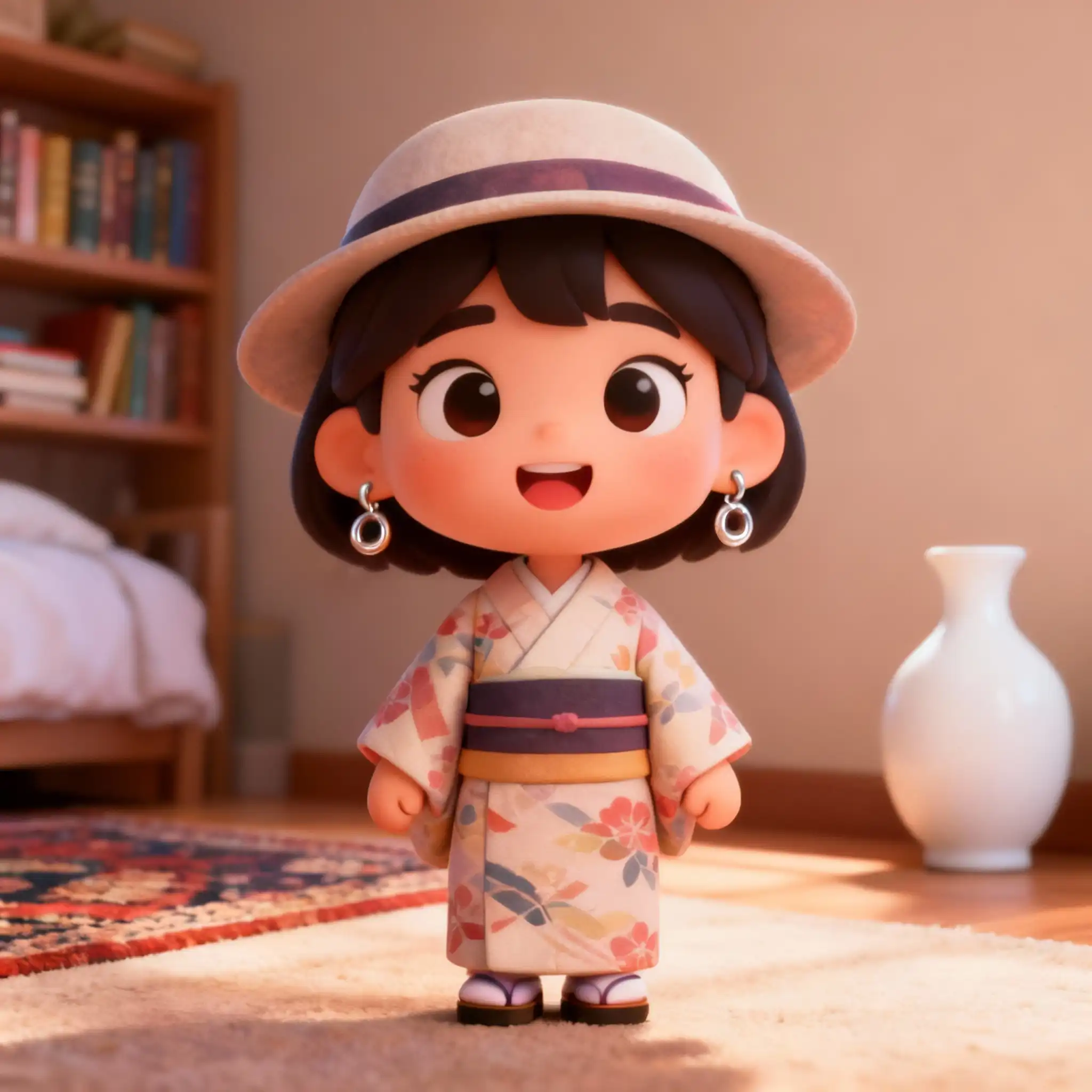
Remove window
What Are AI Prompt Templates?
Think of AI prompt templates as creative blueprints for AI video and image generators. They're carefully crafted text descriptions that tell AI exactly what to create—the scene, the style, the mood, the camera movement, and even the audio.
Writing effective prompts from scratch is surprisingly difficult. You need to understand what words trigger the best results, how to structure descriptions, and which details matter. Our AI prompt templates solve this problem by giving you battle-tested starting points that consistently produce great results.
Whether you're a YouTuber creating intros, a marketer making product videos, or an artist exploring new styles—these AI prompt templates save you hours of trial and error. Just pick a template, customize it, and generate.
Optimized Prompts
Each AI prompt template is tested across multiple models for consistent quality.
Save Hours
Skip the learning curve. Use AI prompt templates that work on the first try.
Diverse Styles
From cinematic to cartoon, photorealistic to painting—every style covered.
Instant Results
One click to use. Your video generates in minutes with AI prompt templates.
What Can You Create with AI Prompt Templates?
Our AI prompt templates cover every use case imaginable. Here's what creators are making every day.
YouTube Video Intros
Create eye-catching channel intros and outros that hook viewers in the first 5 seconds.
Product Advertisements
Generate professional product showcase videos for e-commerce and marketing campaigns.
Social Media Content
Create viral-worthy short videos for TikTok, Instagram Reels, and YouTube Shorts.
Cinematic Transitions
Generate smooth scene transitions and B-roll footage for professional video editing.
Animation Effects
Create magical particle effects, explosions, and motion graphics without After Effects.
Style Transfer Magic
Transform ordinary photos into artistic masterpieces with AI-powered style transfer.
Character Animation
Bring static characters to life with AI-generated movement and expressions.
Text Overlays & Effects
Generate dynamic text animations for titles, captions, and call-to-action screens.
Real AI Prompt Template Examples
Copy these AI prompt templates directly. They're tested and proven to work.
Product Showcase
AI PROMPT TEMPLATE:
"A premium wireless headphone rotating slowly on a gradient purple-to-pink background. Studio lighting with soft shadows. The product gleams with subtle reflections. Camera slowly pushes in. 4K quality, commercial advertisement style."
RESULT:
Perfect 5-second product video suitable for Instagram ads. The AI captured realistic reflections and professional lighting that matches high-end commercials.
Nature Documentary
AI PROMPT TEMPLATE:
"A majestic eagle soaring over snow-capped mountains at golden hour. Drone footage perspective, cinematic wide angle. Mist rolling through valleys below. David Attenborough documentary style, 4K ultra realistic."
RESULT:
Stunning 8-second clip that works as B-roll for travel vlogs or documentary projects. The motion is smooth and the lighting captures that magical golden hour quality.
Anime Character
AI PROMPT TEMPLATE:
"A young warrior with flowing silver hair draws a glowing katana. Cherry blossom petals drift past. Anime style inspired by Studio Ghibli meets modern action anime. Dynamic camera angle, dramatic lighting."
RESULT:
Visually striking anime sequence perfect for fan projects or creative storytelling. The AI maintained consistent anime style throughout the motion.
How to Use AI Prompt Templates on VeoAI
Browse AI Prompt Templates
Scroll through our categories below or use the search to find AI prompt templates that match your vision. Each template shows a preview of the expected result.
Click to Use Template
Found a template you like? Click the "Use" button. You'll be redirected to our Text-to-Video or Image-to-Image generator with the prompt pre-filled.
Customize Your Prompt
Make the AI prompt template your own! Change the colors, subjects, camera angles, or style. Add specific details that match your brand or creative vision.
Choose Your Settings
Select the AI model (Veo 3.1, WAN 2.6, etc.), video duration (5-8 seconds), aspect ratio (16:9, 9:16, 1:1), and quality settings based on your needs.
Generate Your Video
Hit the Generate button. Our AI processes your prompt in 1-3 minutes. You'll see a preview and can download the MP4 file immediately.
Iterate or Download
Not quite right? Regenerate with tweaked settings. Perfect? Download your video and use it in your projects. All AI prompt template generations are saved to your history.
AI Prompt Template Pricing
Browsing AI prompt templates is always free. You only pay for video generation.
If you're just testing our AI prompt templates, the free credits are enough to create several videos. For serious YouTube content, marketing campaigns, or client work, you'll want a paid plan to generate more videos without limits.
See Full Pricing →