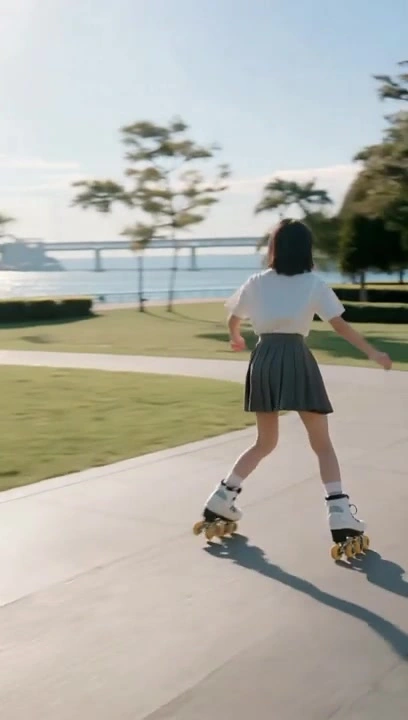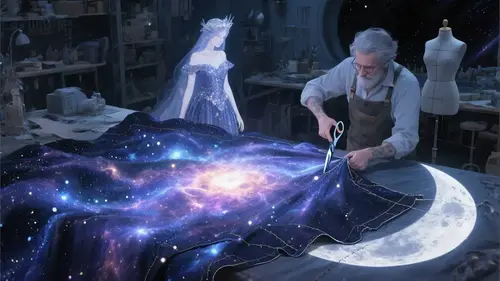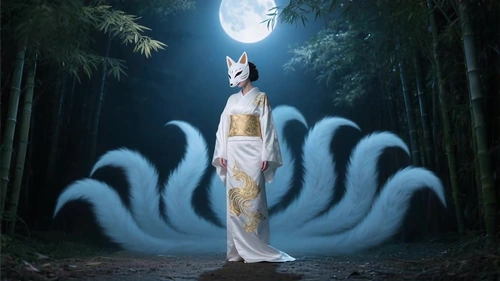
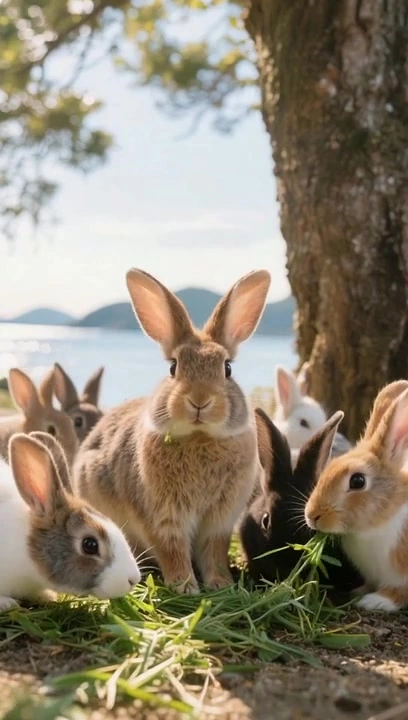


GenVid

Multi-model · Seedance 2.5 / Veo 3.1 / Wan 3.0

Text to Video AI: Prompt to Cinematic Clip

Describe your scene once — GenVid turns it into HD video with controls for aspect ratio, duration, and resolution.

What is Text to Video AI?Key Takeaway & Quick Summary

Text to Video AI converts natural-language prompts into short video clips using diffusion and transformer video models. On GenVid, pricing is credit-based per model and options — not a flat fee — and you generate after signing in.

Studio URL
/create/text-to-video
Typical time
60s – 3min
Free trial
Signup + daily credits
Best for
Ads, shorts, concept reels

How to Create Text to Video

Create professional cinematic videos with zero editing skills required.

01

Write your prompt

Use the generator above or open Studio and pick a foundation model.

02

Choose options

Set aspect ratio, duration, and resolution to match your channel.

03

Generate & download

Submit to the queue, wait for completion, then download or iterate.

Knowledge Base

Text to Video FAQ

Find direct answers about video generation capabilities, pricing, and commercial licensing.

You describe your scene, camera motion, and style in plain language. GenVid routes your prompt to foundation models such as Seedance 2.0 or Veo 3.1, which synthesize coherent frames, motion, and optional native audio in the Studio.
Semantic Ecosystem

Related tools

Discover high-performance generative models and tailored creation workflows.